How Dasher Works: Seeing It In Action
From Concept to Reality
If you find Dasher hard to imagine based on static pictures, you’re not alone. When you watch someone else steering Dasher, you may find it looks difficult, but be assured: it is actually very easy; it’s a lot like driving a car.
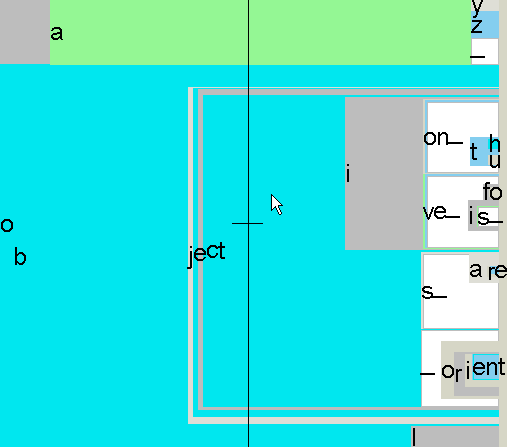
The image above shows the state of the Dasher interface while the user is writing the word "objection". Alternative words that could easily be written at this point include "objective", "objects_", and "object_oriented".
Watch Dasher in Action
The best way to understand Dasher is to see it in motion. We have several types of demonstrations:
Animated GIF: Dasher v3
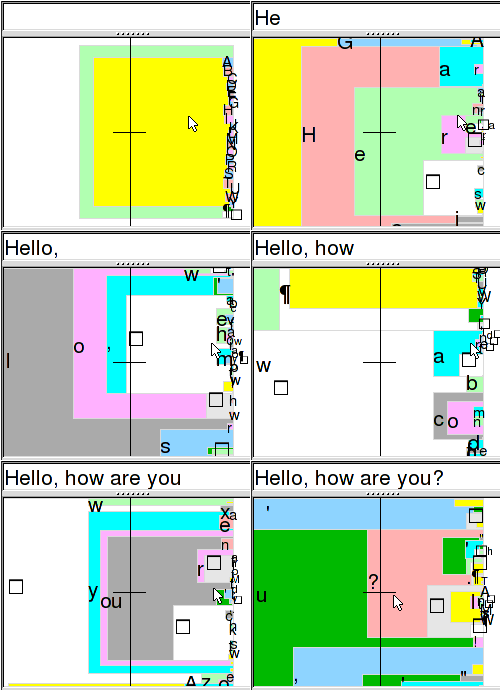
Animated GIF: Dasher v1

YouTube Demonstrations
Current long-form demos are now hosted on YouTube.
View Full Demonstrations
Visit our demonstrations page to see animations and videos of Dasher in action.
Ready to Try?
When you try Dasher for the first time, please read our Tips for Novices.