How Dasher Works: Probability and Size
In the previous page, we described writing as zooming in on an alphabetical library. This is exactly how Dasher works, except for one crucial point...
The Crucial Difference
We alter the SIZE of the shelf space devoted to each book in proportion to the probability of the corresponding text.
Making Probable Text Easier to Find
For example, not very many books start with an “x”, so we devote less space to “x…” books, and more to the more plausible books, thus making it easier to find books that contain probable text.
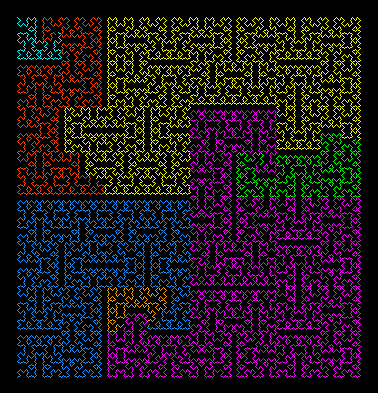
All possibilities visible as regions
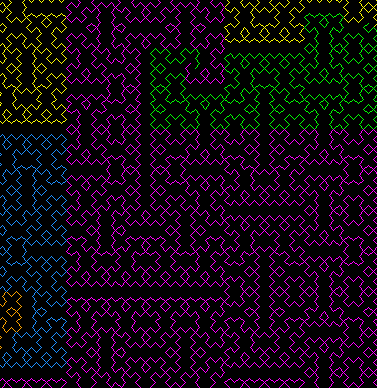
Likely continuations occupy more space
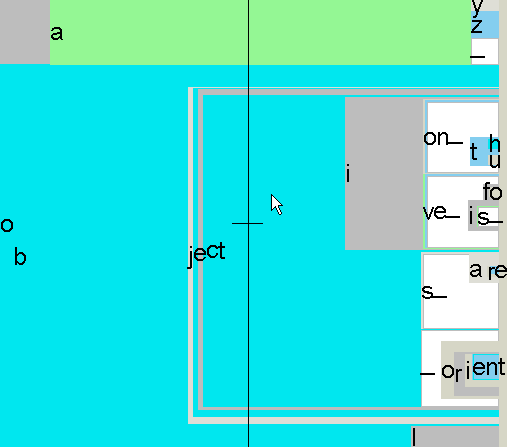
Fine-grained steering among probable words
Adaptive Learning
Dasher can be trained on examples of any writing style, and it learns all the time, picking up your personal turns of phrase. This means the more you use Dasher, the better it gets at predicting what you want to write.
Language Models
The probability model that determines the size of each letter can be:
- Static - based on general text corpora
- Adaptive - learning from your personal writing style
- Domain-specific - trained on specialized vocabulary
Example: Writing "the quick brown fox"
In English, after writing "th", the letter "e" is much more probable than "x". Therefore in Dasher, the box for "e" will be much larger than the box for "x", making it easier to steer toward.
See It In Action
The best way to understand Dasher is to see it in action.