How Dasher Works: The Library Concept
Imagine a Library Containing All Possible Books
Imagine a library containing all possible books, ordered alphabetically on a single shelf. Books in which the first letter is “a” are at the left hand side. Books in which the first letter is “z” are at the right.
In picture (i) below, the shelf is shown vertically with “left” (a) at the top and “right” (z) at the bottom. The first book in the “a” section reads “aaaaaaaaaaaa…”; somewhere to its right are books that start “all good things must come to an end…”; a tiny bit further to the right are books that start “all good things must come to an enema…”.
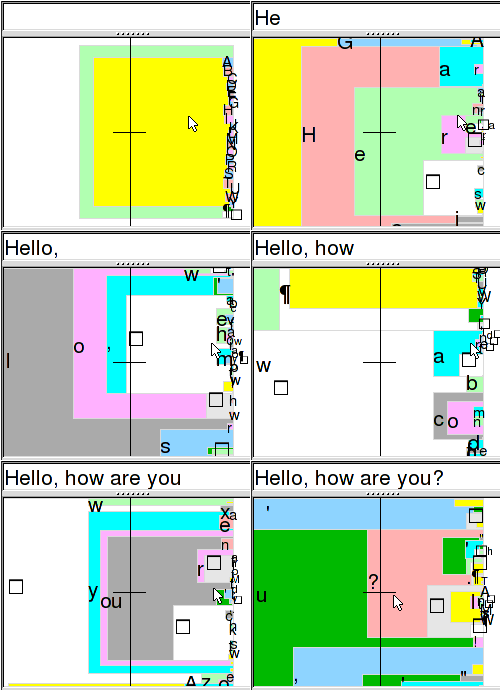
The original "How does Dasher work?" page (DasherSummary2.html) used this animation on the right side.
Finding Your Book
When someone writes a piece of text, their choice of the text string can be viewed as a choice of a book from this library of all books - the book that contains exactly the chosen text.
How do they choose that book? Let’s imagine they want to write “all good things…”
First, they walk into the “a” section of the library. There, they are confronted by books starting “aa”, “ab”, “ac… az” [Picture (ii)].
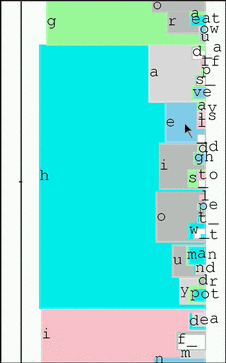
Looking more closely at a specific region
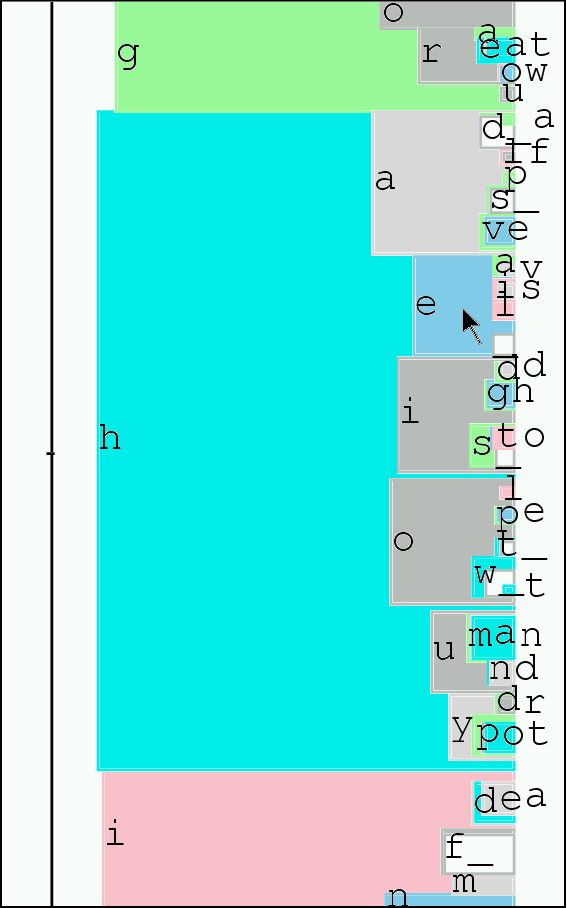
Zooming further into the most likely continuations
By looking ever more closely at the shelf, the writer can find the book containing the text he wishes to write. Thus writing can be described as zooming in on an alphabetical library, steering as you go.
The Key Concept
This is exactly how Dasher works, except for one crucial point...